What GTA 6 should get right on PS5 Pro
A Pro Enhanced badge leaves plenty of room for questions. We'd like GTA 6's upgrade to improve the moments players actually notice.

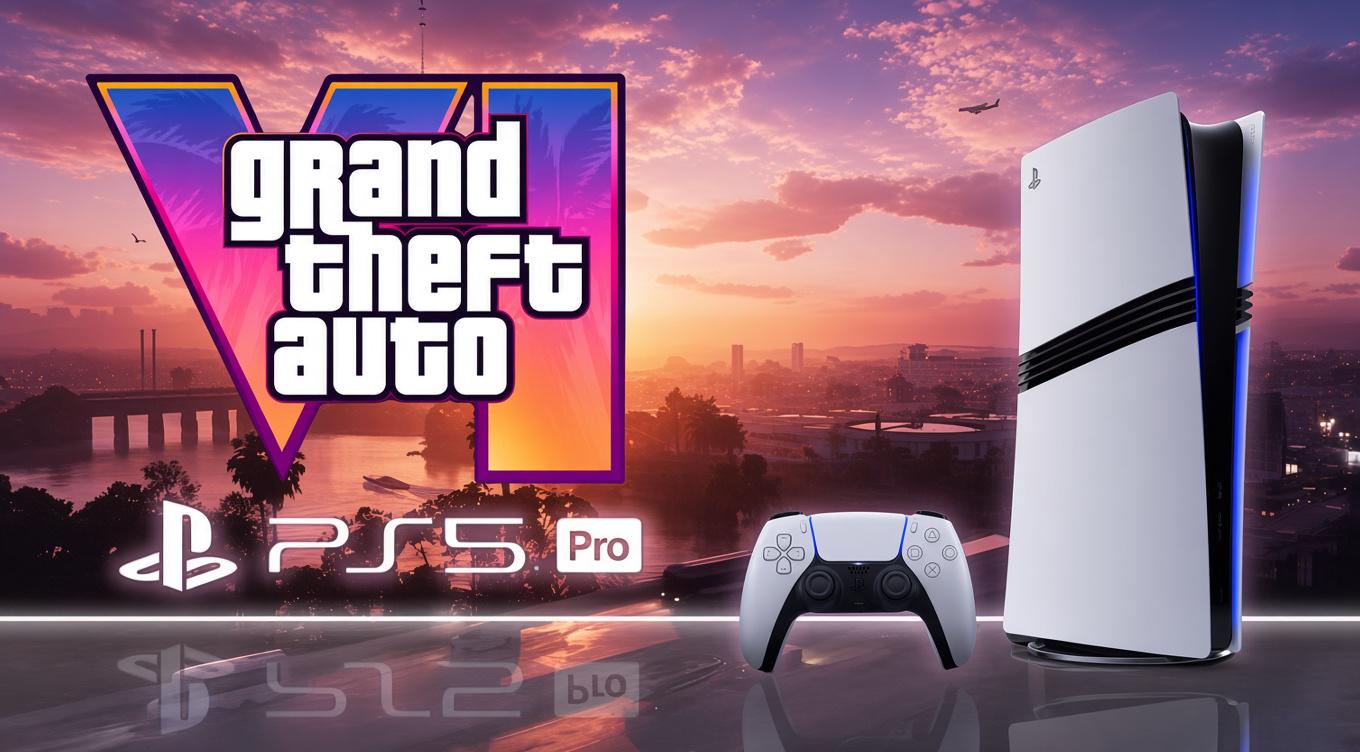
GTA 6 already carries a PS5 Pro Enhanced label on the PlayStation Store. The useful question is what that label will mean when you are driving through Vice City, rather than standing still for a screenshot.
A more powerful console offers Rockstar options, but those options still involve decisions. Better image quality, more elaborate lighting and higher performance compete for resources. There is no reason to assume every setting can improve at once.
The following is our wishlist for a worthwhile Pro version. It is not a list of confirmed enhancements.
1. An image that stays clean in motion
Vice City is full of the details that can expose weak image reconstruction: wires, railings, vegetation, distant lights and small objects moving against busy backgrounds.
Sony’s PS5 Pro hardware introduction identifies PlayStation Spectral Super Resolution, or PSSR, as one of the console’s key technologies. The name on the settings sheet matters less than how well the implementation handles those difficult scenes.
We would look for stable fine detail, limited trailing behind moving vehicles and an image that holds together while the camera turns. A sharp still frame can flatter an upscaler. Ordinary driving gives it a more useful test.
That is a quality criterion, rather than a claim that Rockstar has confirmed a particular PSSR version or output resolution.
2. Consistent performance when the world gets busy
The worst place to lose smoothness is usually the moment you have the most to do. Traffic, police, changing camera angles and a badly judged turn can arrive together.
The Pro version should use its additional capacity to make difficult scenes more reliable where possible. We would rather see a target maintained through a chase than a higher peak that disappears as soon as the city becomes interesting.
The reported 30fps development builds included PS5 Pro, with the possibility of a 60fps option left unresolved in that account. The Enhanced badge should therefore not be read as a guarantee of 60fps.
3. Lighting improvements that survive ordinary play
Water, windows and night-time streets give GTA 6 plenty of opportunities to show off reflections and lighting. Digital Foundry’s Trailer 2 breakdown demonstrates how much there already is to examine in Rockstar’s footage.
For Pro, we would favour improvements that remain coherent as characters and vehicles move. More convincing reflections are welcome; distracting changes between techniques or unstable detail would undermine the effect.
We are not treating every apparent reflection as proof of a specific rendering method. Those details need proper technical confirmation and testing. The visual goal is simpler: the city should look convincing without repeatedly calling attention to how it is being drawn.
4. A 40fps option, if the game can support it
An optional 40fps mode would be worth exploring for compatible 120Hz displays. At 120Hz, each game frame can be presented across three refreshes, allowing even presentation without requiring a 60fps target.
That does not make 40fps free. The game would still need to deliver each frame in 25 milliseconds, compared with roughly 33.3 milliseconds at 30fps. The workload must fit that smaller budget consistently.
This is a request, not evidence of a hidden mode. If Rockstar cannot sustain it without unwelcome compromises, a dependable alternative would be preferable to a setting that sounds good and struggles in practice.
5. Settings that explain the trade-offs
A menu should tell players what they are choosing. If there are several modes, their descriptions should identify the intended frame rate and the main differences in image quality or effects.
Motion blur and camera effects also deserve useful controls. Players should be able to judge the presentation on their own display without having to decode a vague label or assume that the most impressive-sounding option is the right one.
If a mode requires a compatible display or a system setting, say so clearly. Hardware features are much more useful when players can tell whether they are actually using them.
Judge the upgrade by the difficult scenes
A worthwhile Pro version should make a difference where the base presentation is under the most pressure. The right comparison will involve moving through the city, changing the camera and getting into trouble.
The Enhanced label establishes support for the hardware. The value of that support will come from what Rockstar delivers in those moments, and that is something to assess once the finished game can be tested.

TWL Editorial
TWL Editorial is the editorial team behind The Wanted Level. We cover the latest GTA news, updates, guides and features, with a focus on accurate reporting, useful information and the stories that matter to the community.
View all articles →